Connecting Power BI to Dynamics
Open Power BI
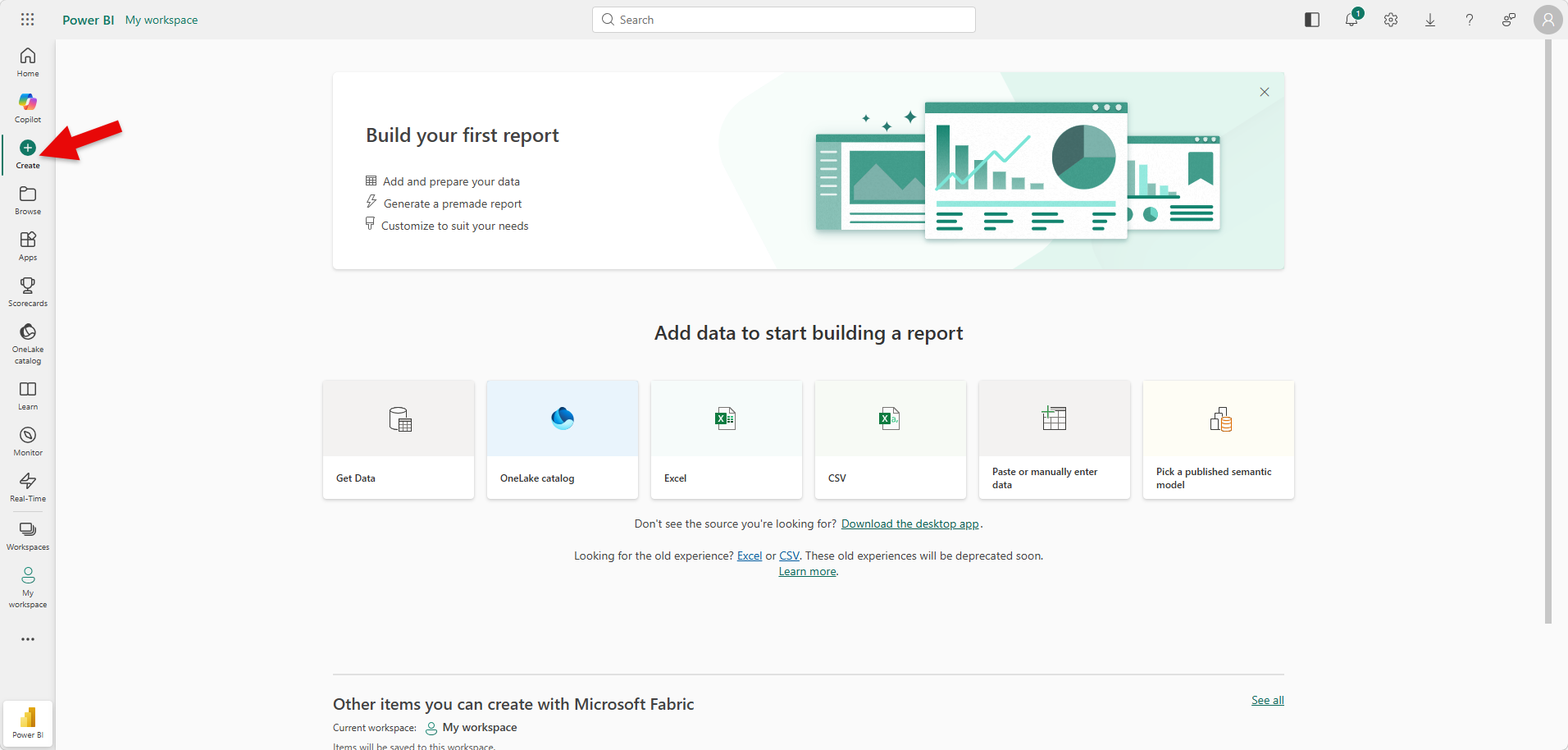
Select Create
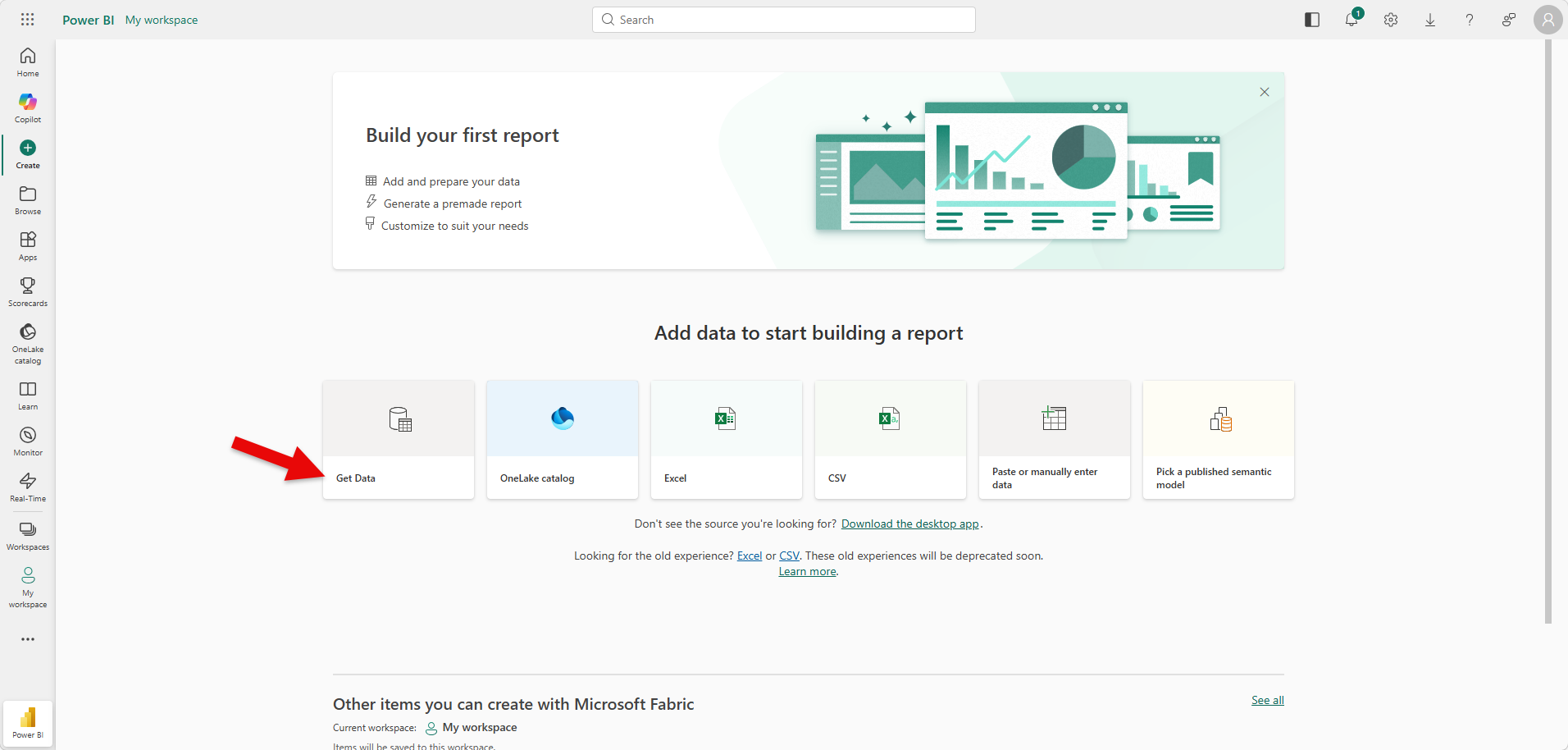
Click on Get Data
Search Common Data Service (Legacy) and select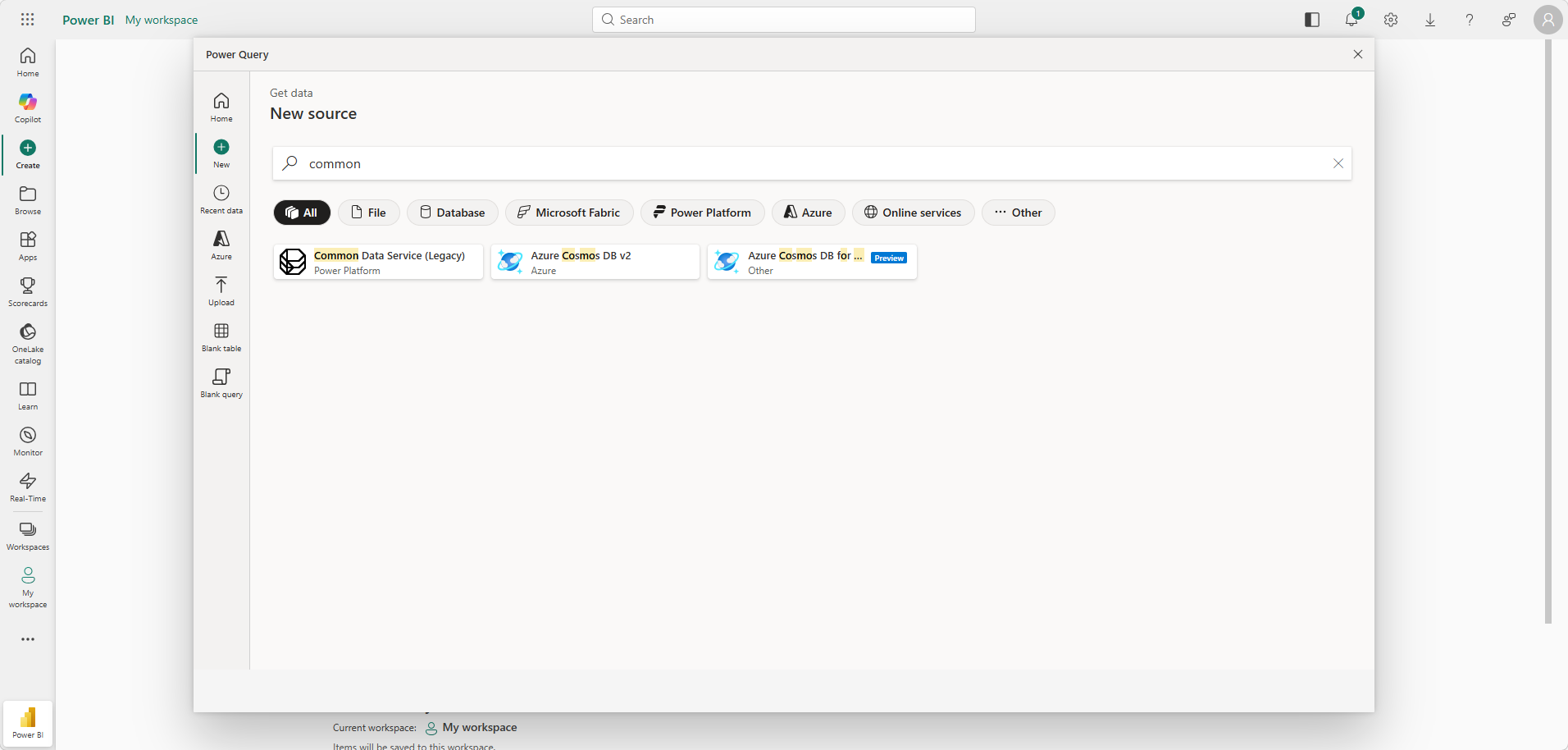
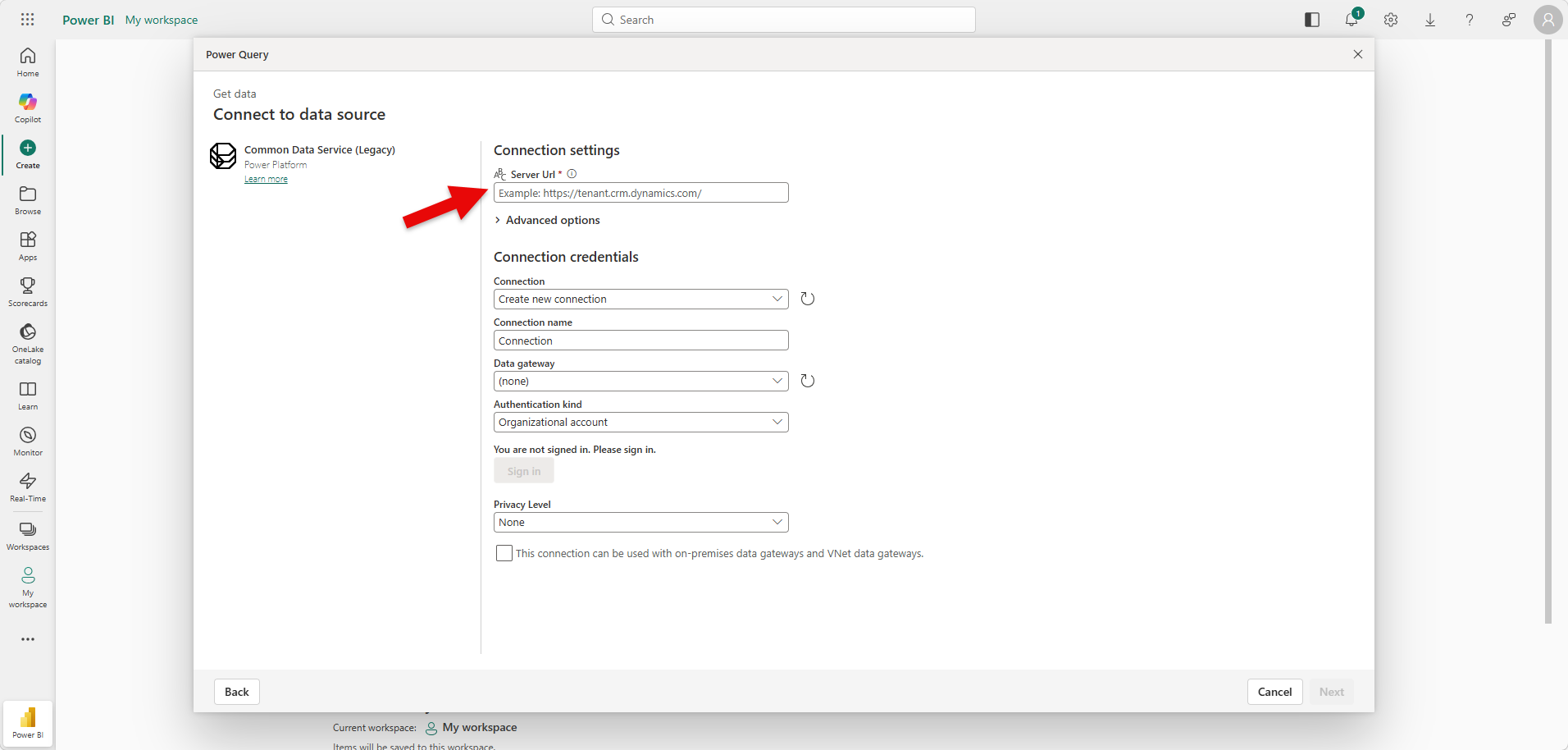
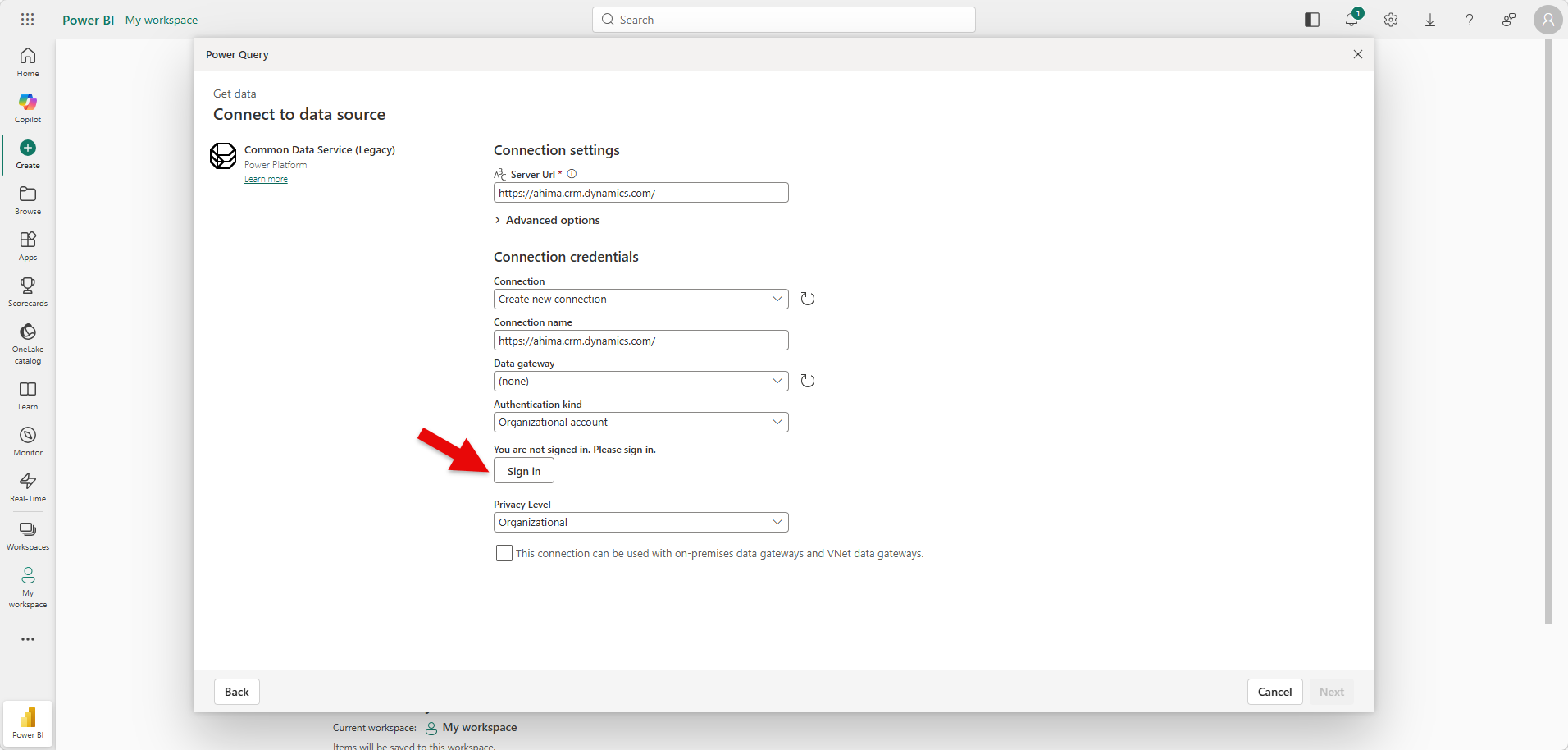
The next screen that will come up is the Dynamics Table\Entity Structure. This normally requires knowledge of the Dataverse structure. It’s best to connect with IT with what you are trying to build and research can be done to find the right entity and columns along with filters that you are attempting to report on.
Was this article helpful?
That’s Great!
Thank you for your feedback
Sorry! We couldn't be helpful
Thank you for your feedback
Feedback sent
We appreciate your effort and will try to fix the article